A home eye-care environment self-check list has been prepared for you, covering the three core modules of lighting, desk, and screen, to help you systematically identify potential risks affecting vision.
💡 1. Lighting environment self-check
✅ Are both the ceiling light and desk lamp turned on at the same time?
When studying at night, using only a desk lamp creates strong contrast between light and dark, increasing the eye's accommodative burden. The room ceiling light and a dedicated desk lamp should be turned on at the same time to create even illumination.
✅ Is the desk lamp flicker-free and glare-free?
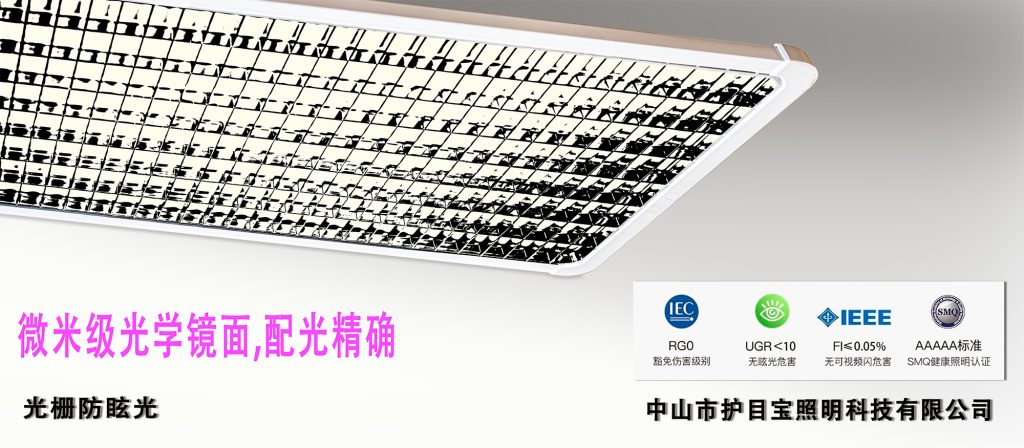
You can point a smartphone camera at the light source. If quickly scrolling stripes appear on the screen, then flicker is present. Choosing an eye-care desk lamp labeled flicker-free or RG0 blue light level is safer.
✅ Is the color temperature around 3000-5000K?
Too cool (>6000K) is harsh and prone to causing fatigue, while too warm (<3000K) tends to cause drowsiness. Warm white light of 3500K–5000K is recommended, close to morning natural light, both focused and comfortable.
✅ Does the light come in from the side opposite the writing hand?
When the desk is placed by a window, natural light should come in from the front left side (for right-handed people) or the front right side (for left-handed people), to avoid hand shadows blocking the reading and writing area.
🪑 2. Desk and sitting posture environment self-check
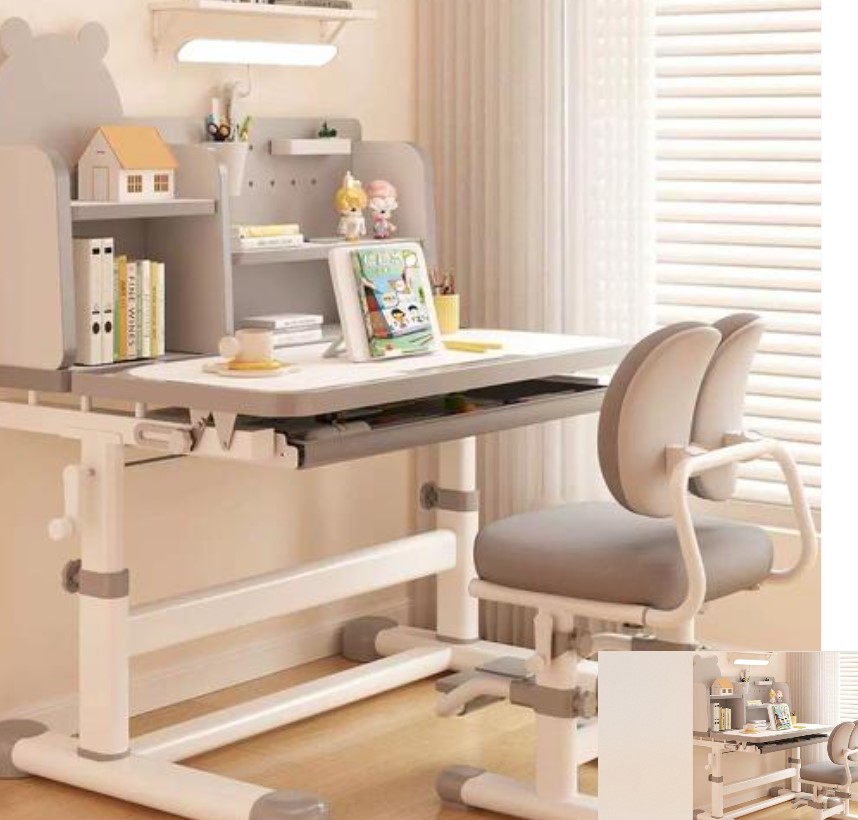
✅ Do the desk and chair heights match the child's height?
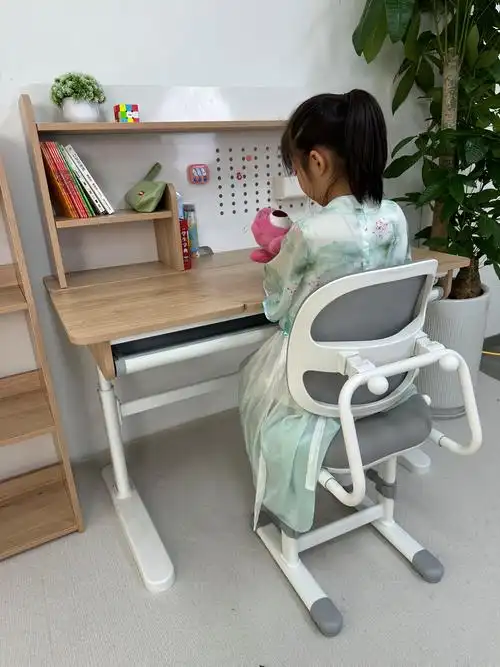
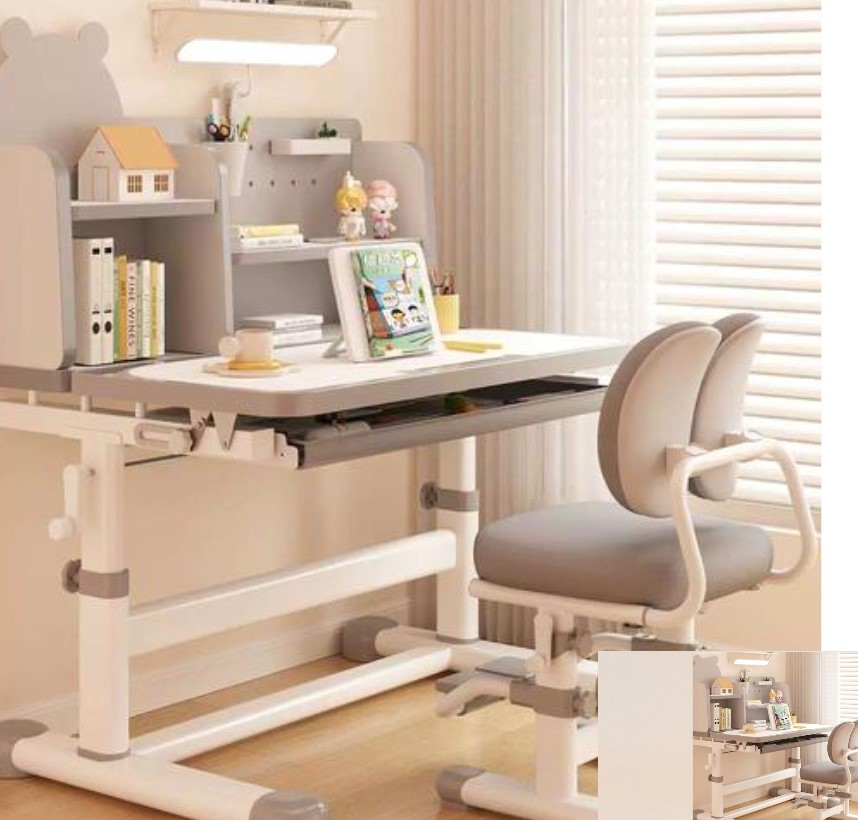
When the child sits down, both feet should be flat on the floor, with thighs perpendicular to calves; both arms should hang naturally, elbows can rest easily on the desktop, and shoulders should not be raised.
👉 It is recommended to use height-adjustable study desks and chairs, and adjust them regularly as the child grows.
✅ Is the study desk placed by a window with its long axis perpendicular to the window?
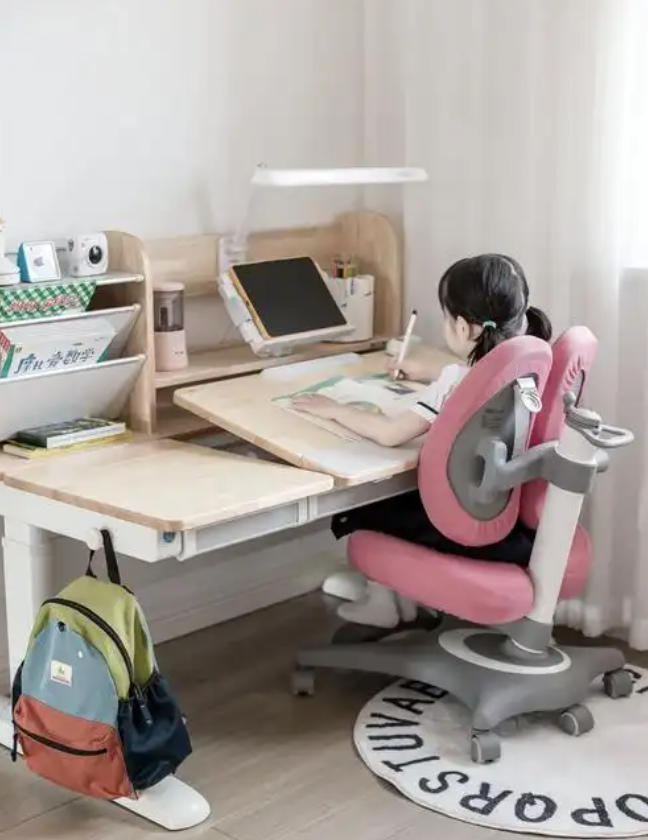
Positioning near a window helps utilize natural light. Placing the long side of the desk perpendicular to the window allows for even light distribution, reducing glare and shadow interference.
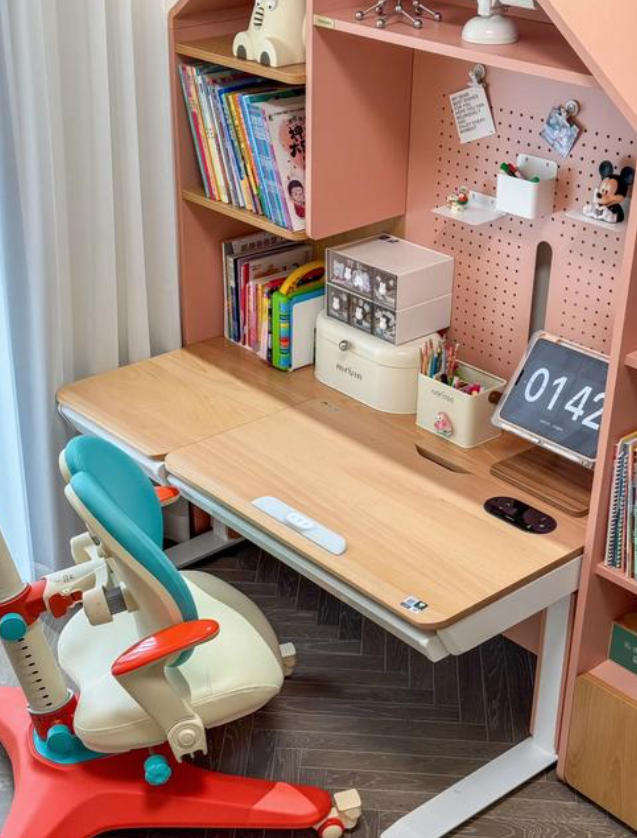
✅ Is the reading material propped up?
Use a book stand or tablet holder to keep reading material roughly perpendicular to the line of sight, reducing neck and eye strain.
✅ Is the desktop a matte light color?
Avoid high-gloss bright white desktops or light-absorbing dark desktops. Matte light color schemes such as off-white and light wood tones are recommended to reduce brightness contrast stimulation.
💻 III. Self-check for Electronic Screen Use Environment
✅ Is the screen center slightly below eye level?
The ideal angle is for the top of the screen to be level with or slightly below eye level by 15–20 degrees, maintaining a slight downward gaze to reduce exposed eye surface area and alleviate dryness.
✅ Is the viewing distance adequate?
Computer/tablet: maintain 50–70 cm (about an arm's length)
TV: viewing distance should be no less than 4 times the screen diagonal (e.g., for a 55-inch TV, distance ≥ 4.4 meters)
✅ Is screen glare avoided?
The screen should be positioned perpendicular to the window to avoid glare from side lighting. Use an anti-glare film or adjust curtain angles when necessary.
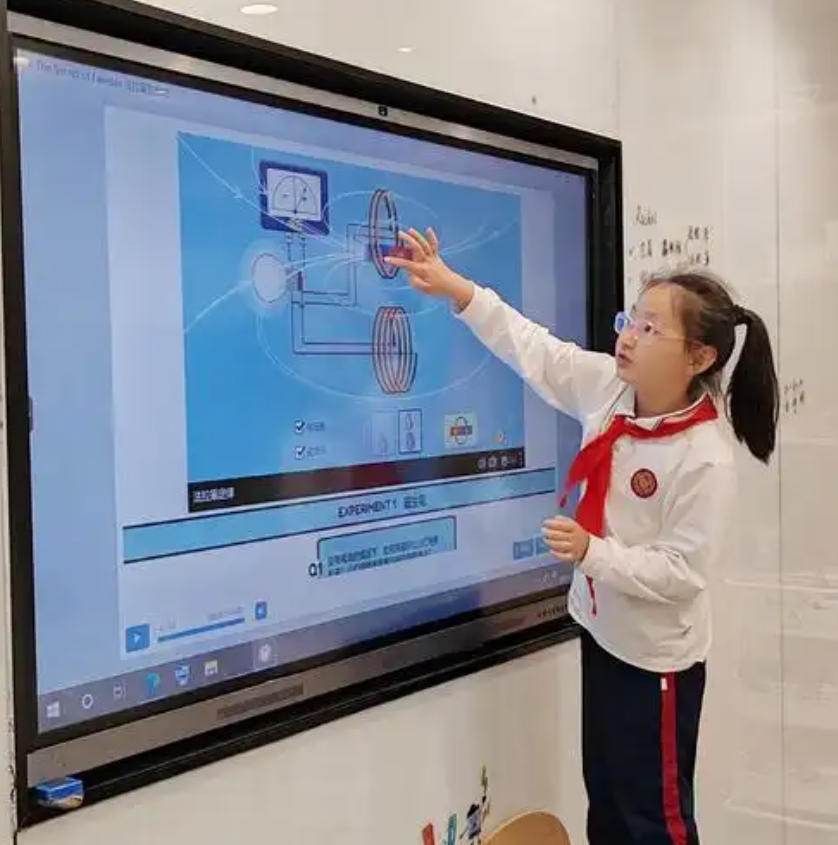
✅ Is eye-care mode enabled and usage time controlled?
Enable "Night Shift" or "Blue Light Filter" mode, but this cannot replace time control. It is recommended that non-study electronic device use not exceed 1 hour per day, and follow the 20-20-20 rule: look at something 20 feet away for 20 seconds every 20 minutes.
Would you like me to put together a daily eye care habit tracker (including 20-20-20 reminders + outdoor activity check-ins) to help you put eye care into action every day?